Camin - AI Visual Assistant
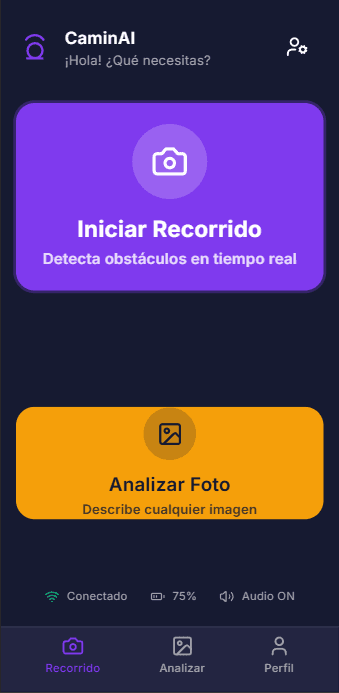
PWA designed to help visually impaired individuals by acting as a digital visual assistant. It mixes web technologies and AI to provide real-time auditory and haptic feedback about the user's surroundings. It identifies obstacles during navigation and provides detailed descriptions.
The Problem
The Solution
My Role
Tech Stack
Key Decisions
- 1
Accessibility-first design: The UI is designed with high-contrast visuals and large touch targets, but primarily optimized for screen readers and voice feedback. The "Active Route" mode works even with the screen off or in a pocket (audio/haptic only focus).
- 2
Hybrid AI architecture: I chose to run object detection on the client (Edge AI) using TensorFlow.js to eliminate network latency, which is critical for safety alerts. Conversely, I offloaded the heavy "Scene Analysis" to the cloud (Gemini) where latency is acceptable in exchange for high accuracy and detail.
- 3
Progressive Web App (PWA): Instead of a native app, I built it as a PWA to ensure cross-platform compatibility and easy distribution, while still accessing native hardware features like the camera and vibration motor.
- 4
Privacy-by-design: Real-time processing happens locally on the user's device. Images sent to the cloud for analysis are processed statelessly and not stored, respecting user privacy.
Screenshot Gallery